Davinci MagiHuman AI Video Generator for Lip Sync Avatar Videos
Create realistic talking avatar videos with Davinci MagiHuman AI video generator. Turn text, audio, or images into lip sync videos with natural motion and fast rendering.
New to Davinci MagiHuman? Learn how to use it
What is Davinci MagiHuman
DaVinci MagiHuman is a 15-billion parameter open-source model jointly developed by GAIR Lab and Sand.ai. It generates lip-synced talking head video from a portrait image and audio input using a unified single-stream transformer — the first model of its kind to jointly denoise video and audio in a single sequence, with no cross-attention and no separate fusion stage.
Learn more in our Davinci MagiHuman Review to see real performance and detailed analysis.
2s
5-sec video at 256p on H100
80%
win rate vs Ovi 1.1 (2,000 comparisons)
14.6%
word error rate — best among open models
Apache 2.0
fully open source, commercial use allowed
Key Features of Davinci MagiHuman
Speech-driven avatar video generation with realistic lip sync, fast inference, and flexible output settings.
Prompt + Audio to Video
Generate speech-driven videos from a prompt and voice audio. Create narration clips with synchronized motion quickly.
Image + Prompt + Audio Generation
Animate a reference image with audio input to preserve identity while generating natural speaking motion.
Realistic Lip Sync Generation
Joint motion and speech alignment produces natural mouth movement and expressive facial motion without manual editing.
Multi-Resolution Output
Generate 256p, 720p, and 1080p videos to balance fast previews with high-quality export.
Fast Inference for Short Videos
Optimized for 5–10 second outputs with fast rendering depending on resolution, enabling quick iteration.
Multilingual Speech Support
Support multiple languages (including English and Chinese) to scale localized content creation globally.
How to Use
Davinci MagiHuman
Create audio-driven videos in a few simple steps: upload audio, optionally add a reference image, then generate a short lip-sync video.
Step 1 — Upload Audio or Enter Prompt
Upload voice audio or enter a prompt. The model uses the input to generate speech-driven motion and synchronized mouth movement.
Step 2 — Add Reference Image (Optional)
Upload a portrait to guide motion generation. Davinci MagiHuman animates the image while preserving visual consistency.
Step 3 — Select Resolution and Aspect Ratio
Choose 256p, 720p, or 1080p and select 16:9 or 9:16. Balance fast preview generation with high-quality export.
Step 4 — Generate and Download Video
Click generate to create a 5–10 second speech-driven video. Download a synchronized result ready for content use.
Davinci MagiHuman Human-Centric Video Generation
Create speech-driven videos from prompt, image, and audio with natural motion, accurate lip sync, and fast multimodal generation.
Davinci MagiHuman
Use Cases
Explore real-world applications for speech-driven avatar videos—create short, synchronized clips without recording. Check Davinci MagiHuman pricing to plan your video generation workflow.
Product Introduction Videos
Generate short speaking videos that explain products. Reduce production cost while iterating quickly.
Announcement Videos
Create prompt + audio announcement clips with synchronized lip movement for rapid updates.
Multilingual Content Videos
Scale global content production by generating speech videos in multiple languages.
Social Media Short Videos
Create 5–10 second reels and ads with speech-driven motion and fast turnaround.
Tutorial Narration Videos
Generate narration-based avatar videos from audio input to support instructional content.
Davinci MagiHuman
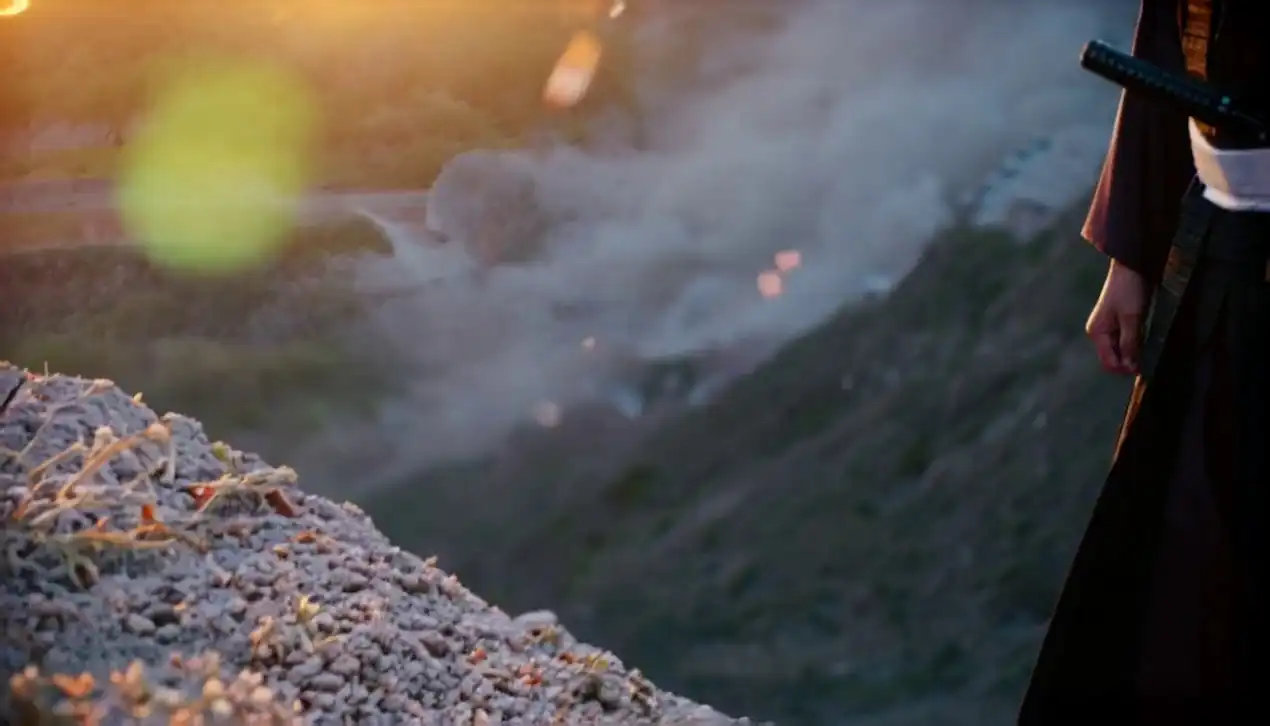
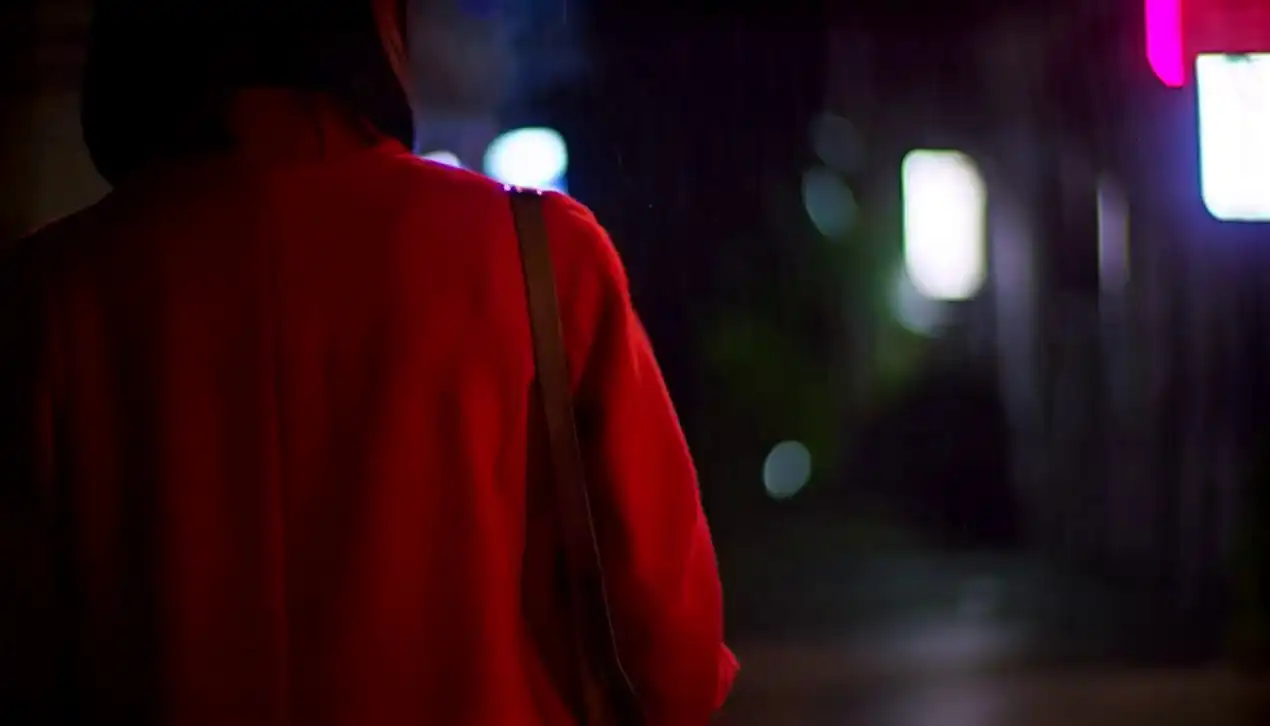
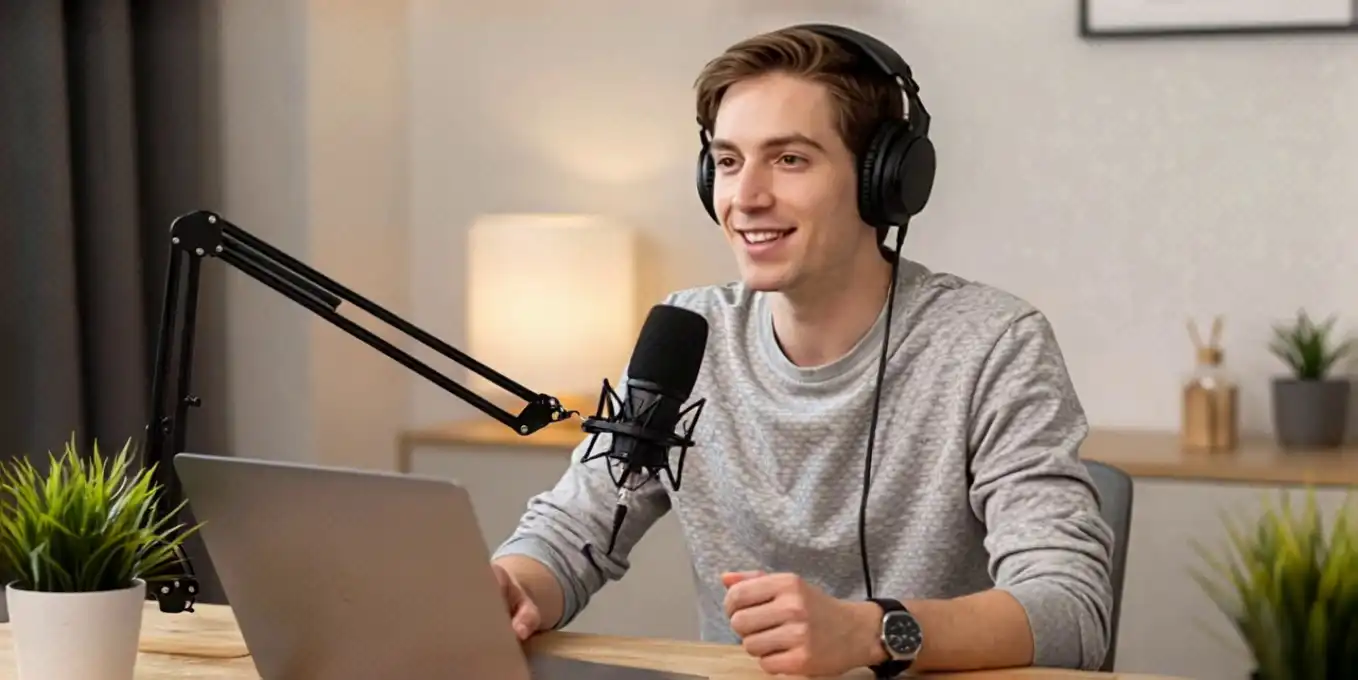
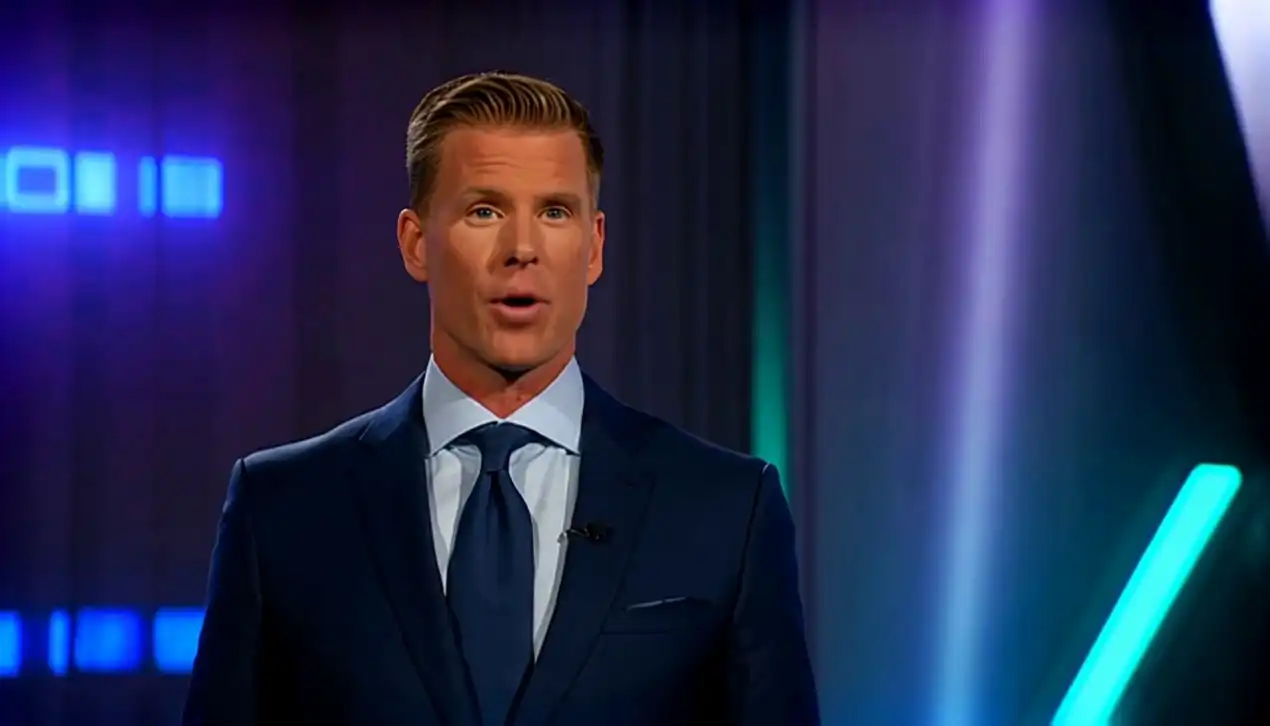
Video Examples
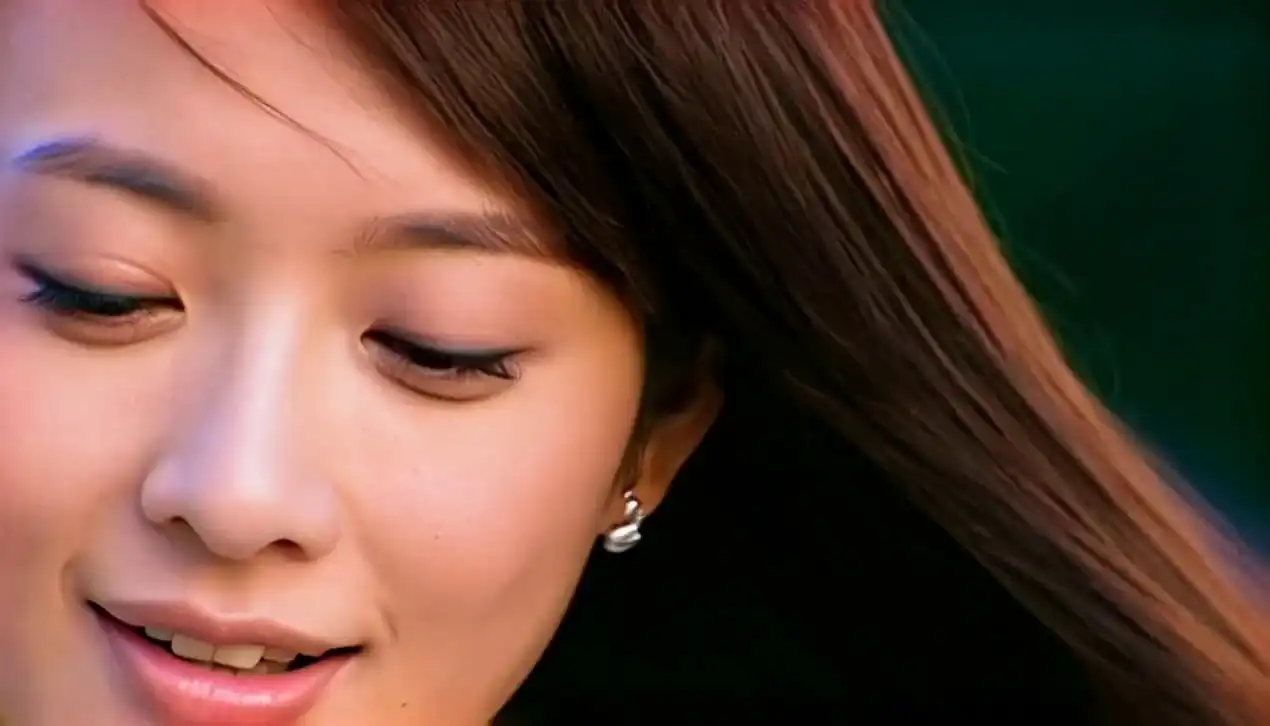
Hover to preview. These examples showcase realistic motion and high-fidelity video generation outputs.
Frequently Asked Questions
About Davinci MagiHuman
Get detailed answers about features, workflow, speed, privacy, and commercial usage.
What is Davinci MagiHuman?
What features does Davinci MagiHuman offer?
What can Davinci MagiHuman generate?
Do I need professional skills?
How long does generation take?
Is commercial use allowed?
Is Davinci MagiHuman free?
Are prompts used for training?
Start Creating Videos with Davinci MagiHuman
Generate audio-driven avatar videos using prompt, audio, and images—fast lip-sync output with multilingual speech support.